AI social media software for graphic designers.
Apaya writes social media captions about your design projects, process, and services, then schedules and publishes posts automatically. Pair the captions with your own portfolio pieces to show your work. Keep your design business's profiles active without writing and posting every update yourself.
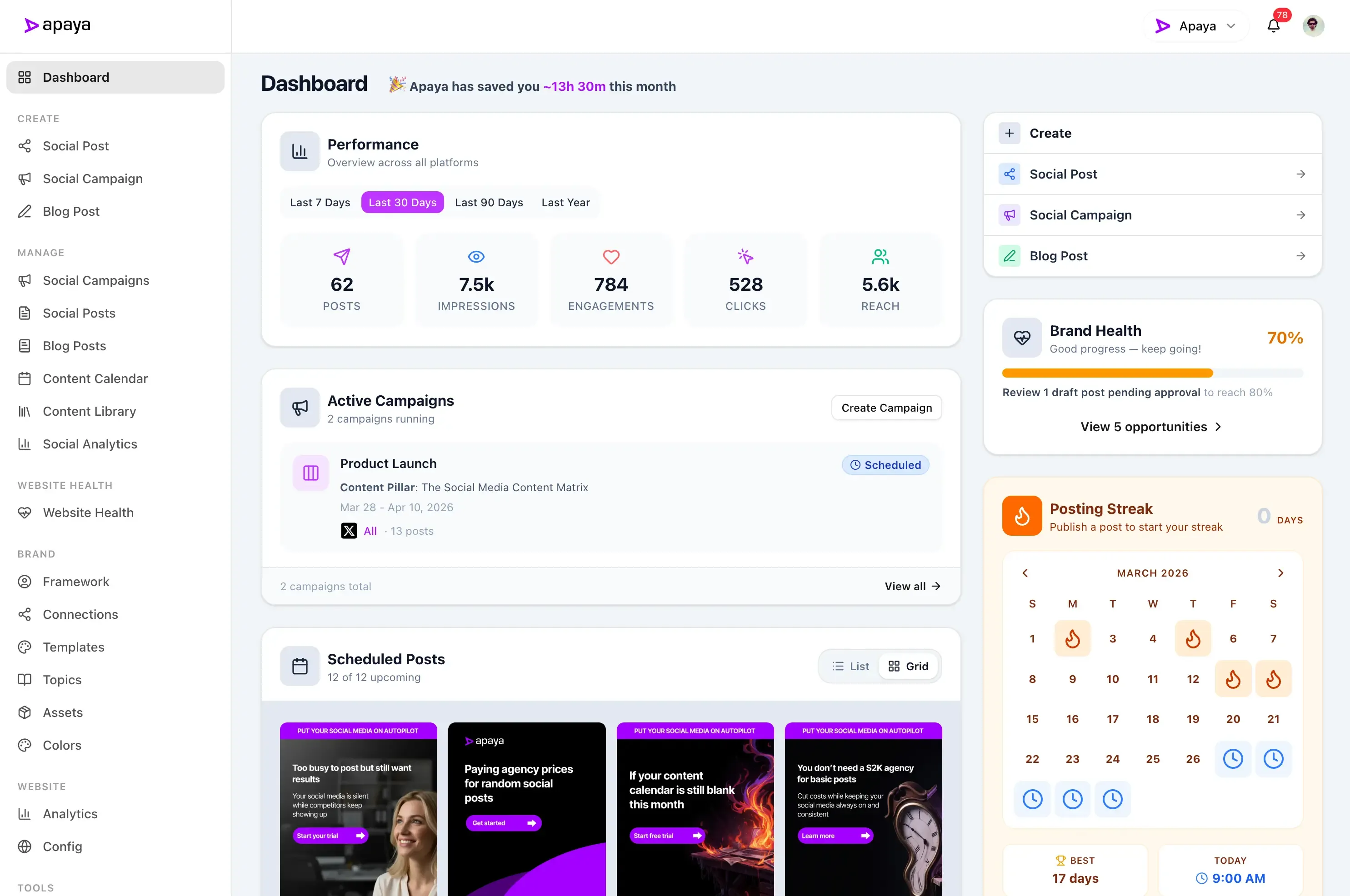
The best social media management software for Graphic Designers.
Apaya's AI creates, schedules, publishes, and reports on social media posts for Graphic Designers that need consistent output with less manual production work.
Generate social media posts
Use AI to generate posts for your social media profiles.
Schedule social media posts
Schedule your posts to publish at the best time for your audience.
Crosspost to any social media platform
Share to your other social media accounts from one place.
Get insights for social media growth
Get insights into your social media pages and audience.
You know you should be posting to social media more.
Your business should be on LinkedIn, Instagram, and Facebook every day. It isn't. Not because you don't care. Because you're running a business and it always gets pushed to tomorrow.
- Writing captions isn't your job
- Designing graphics isn't your job
- Figuring out what to post isn't your job
AI-generated social media for graphic designers.
Portfolio showcases, process reveals, design tips — Apaya creates posts that keep your best work visible and attract the clients you want to work with.
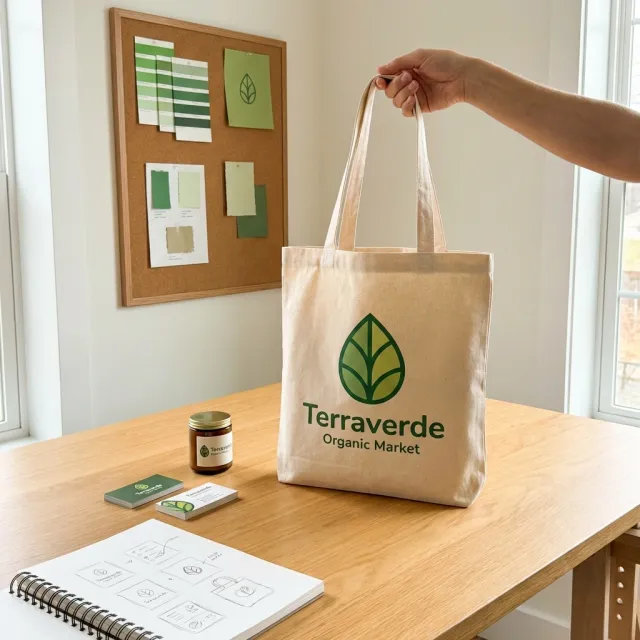
Studio Parallel Brand identity reveal: Terraverde Organic Market. From 47 initial sketches to the final mark. The leaf form went through 6 rounds of refinement before we landed on this version. Swipe to see the full evolution from first sketch to finished system.
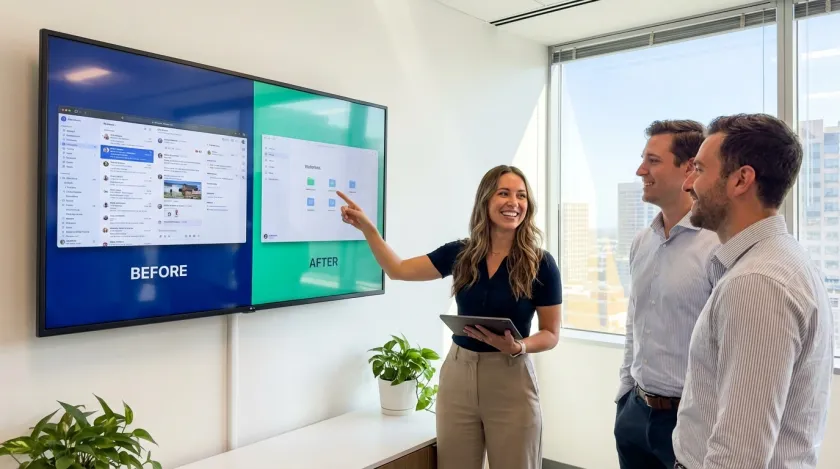
Before and after: A SaaS company came to us with a dashboard that users described as "overwhelming." We simplified the information hierarchy, introduced a consistent component system, and reduced the color palette from 14 colors to 5. Result: user onboarding completion went from 34% to 71%.
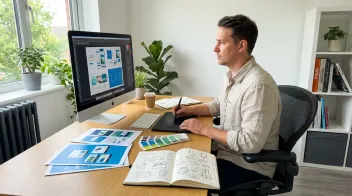
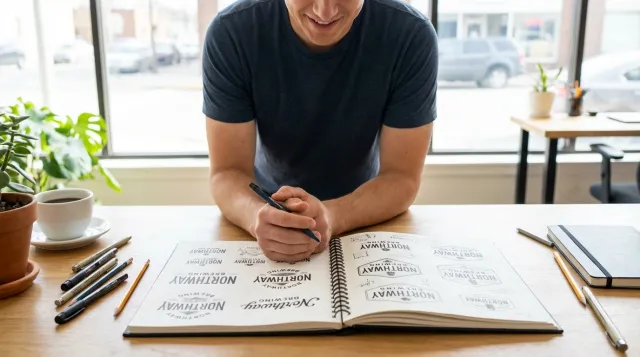
A look inside our design process for the Northway Brewing visual identity. We always start with hand-drawn lettering before touching the computer. There's something about pen on paper that keeps the early exploration loose and unexpected. Here are 3 spreads from the sketchbook phase.
Why automate your social media?
Let Apaya handle the recurring work of creating and publishing your posts.
Take production off your plate.
- Captions written from your business information
- Graphics made with your photos and brand assets
- Review and edit the posts in one place
Your social profiles stay active.
- Set a posting schedule for your connected accounts
- Choose review or automatic publishing
- Update or pause a campaign when plans change
Give visitors something useful to see.
- Explain your services
- Share recent work and team updates
- Keep current offers on your social profiles
Keep your profiles current while you run your business.
Try it for 3 days • $0 today • Cancel anytime
The work Apaya handles
Social media stays active every week. Plans from $55/month.
Apaya creates, schedules, publishes, and reports on social media posts for small teams that need consistent output with less manual production work.
Captions and graphics
Turn your website, photos, and brand instructions into posts you can review and edit.
Scheduling and publishing
Organize posts on your calendar and publish to your connected accounts from one place.
Control over every campaign
Review and approve each post, or enable automatic publishing for campaigns you choose. Change the settings or pause when you need to.
Starting at
$55
/month billed annually
Start with one brand, then move up when you need more social accounts, templates, or analytics.
How Apaya works for graphic designers.
Point it at your portfolio site. It learns your design style, your specialties, and how you present your work. Then it writes, designs, schedules, and publishes—every day, across every platform. Here's the step-by-step.
Your Portfolio
It starts with your portfolio.
Just paste your URL. Apaya's social media management starts by analyzing your portfolio site—extracting your style, your specialties, your visual identity, and your creative voice. No forms. No questionnaires. This is how every post looks and sounds like it came from you.
Extracted from your website.
+ Niche, Pain Points, CTAs, and more
Content Creation
Then it creates 30 days of content.
Apaya's AI content engine creates social media posts that highlight your design work—project reveals, before-and-after transformations, process breakdowns, design tips, and behind-the-scenes content. Every post is yours to review before it goes live. Approve what you love, skip what you don't. You stay in control.
30 posts generated for this month.

Scheduling
Your content calendar, handled.
No more scrambling between client deadlines to post. Apaya's social media scheduler picks the right times and publishes automatically. Your portfolio stays in front of potential clients while you stay in creative flow.
Publishing
Publishes to Instagram, Facebook, LinkedIn, and X.
Your potential clients are on different platforms. Art directors browse Instagram. Marketing managers check LinkedIn. Small business owners scroll Facebook. Apaya's social media publisher formats and tailors your content for each one—so your work shows up wherever people are looking.
One post, sent to every account.
Analytics
See what's working. Do more of it.
Stop guessing which posts attract the best clients. Apaya's social media analytics track performance across all your platforms and shows you exactly which projects and content types drive the most inquiries—then creates more like them automatically.
Every platform's numbers in one place.
Instagram IS your portfolio now. Make it look like one.
Creative directors and marketing managers check your Instagram before they check your website. An empty or outdated feed tells them you're inactive—or worse, not confident in your work. Apaya keeps your feed packed with your best projects, process shots, and design thinking so every profile visit feels like flipping through a curated portfolio.
Showcase the process, not just the final product.
Clients don't just want to see the finished logo—they want to see the sketches, the iterations, the thinking behind the design. Apaya creates process reveal content that demonstrates your creative expertise and justifies your rates. Show the work behind the work, automatically.
Compete with designers who post every single day.
Some designers treat Instagram like a full-time job. They post daily, engage constantly, and build massive followings. You can't match that manually—but Apaya closes the gap. Consistent, professional posts that keep you visible alongside the most active designers in your niche, without sacrificing billable hours.
Track which work attracts the best clients.
Apaya tracks what happens after someone sees your post—portfolio clicks, inquiry messages, new client conversations. You see which types of work and content drive premium clients and which don't. Stop posting brand identity work if packaging projects pay better. Let the data guide your feed.
AI social media automation for every platform you need.
Apaya's AI manages your entire social media presence across all major platforms. Create, schedule, and publish content automatically while maintaining your unique brand voice on every network.
Get started with Apaya.
Plans from $55/month. Start with a 3-day free trial — cancel anytime.
- AI content generation in your brand voice
- Automated scheduling and publishing
- Brand framework + social analytics
- Choose review or automatic publishing for each campaign
Self-serve plans
From $55/mo
Billed annually. Monthly billing available.
Start Your Free TrialTry it for 3 days • $0 today • Cancel anytime
See all plans and compare →Frequently Asked Questions
How does AI social media help graphic designers get more clients?
Will the content look good enough for a designer's feed?
What kind of content does it create for designers?
Can it handle different design specialties like UI/UX vs. brand identity?
I'm a freelance designer—is this worth it for a one-person studio?
How does this compare to hiring a social media manager?
Will it post my actual design work or just generic design content?
Which platforms matter most for graphic designers?
Can I manage both my personal brand and my studio's account?
Automate.
Save hours, cut costs, and experience growth.
Start Your Free TrialTry it for 3 days • $0 today • Cancel anytime