Bluesky scheduler
AI Bluesky scheduler that creates the posts, too.
Apaya is a Bluesky scheduler that writes your captions, designs branded graphics, and publishes on the dates you choose. Schedule Bluesky posts with text, images, or video, turn longer captions into connected threads, and keep Bluesky in the same workflow as your other accounts.
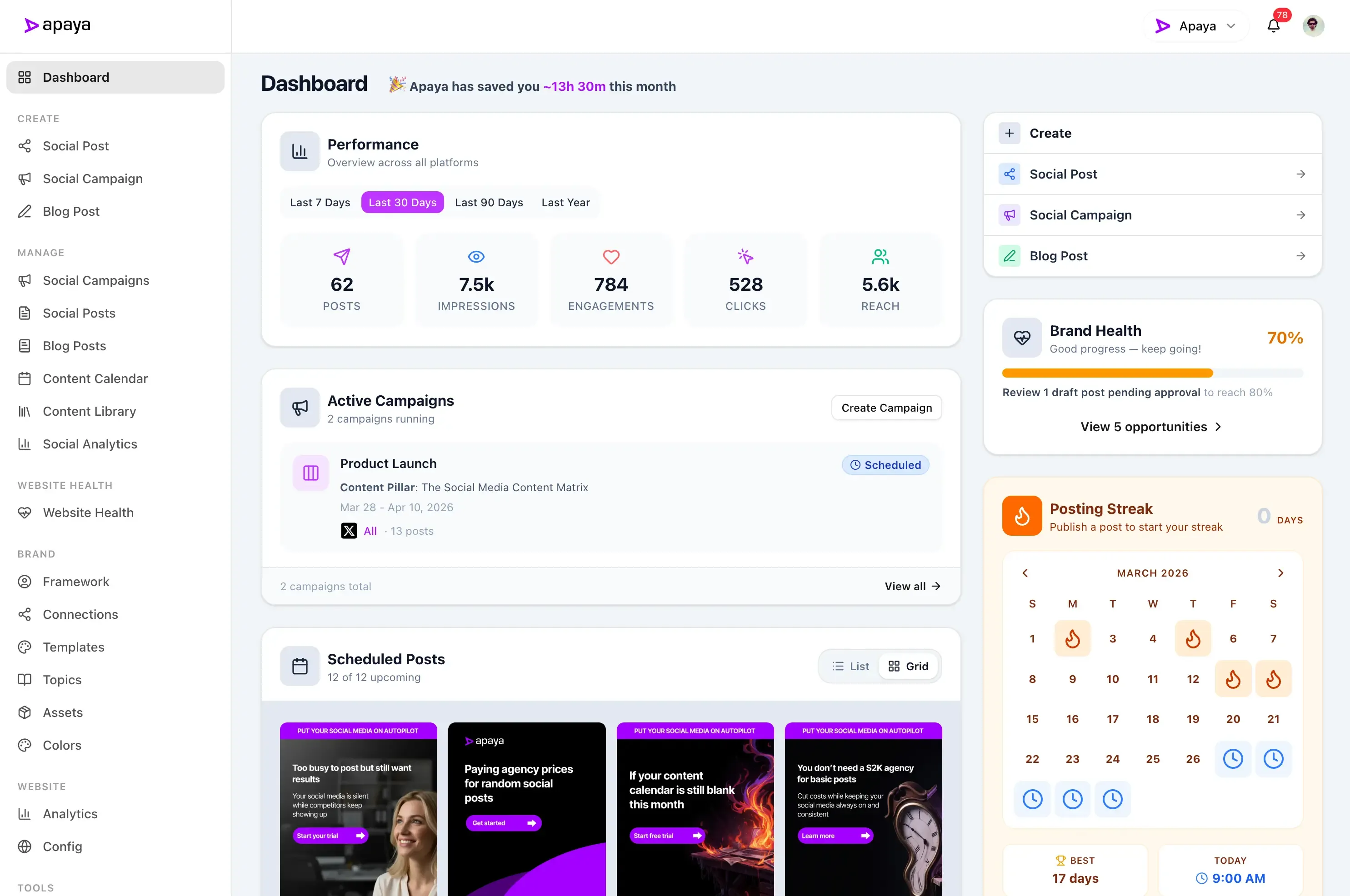

Benefits
Create Bluesky posts.
Use AI to write social media captions and create branded graphics.
Schedule ahead.
Choose the dates and times you want your Bluesky posts to publish.
Publish text and media.
Share text, links, images, or a video from the same workspace.
Review your analytics.
Check available post interactions and follower counts in Apaya.
"Apaya saves us time every day. Being able to generate the social media content we need in minutes is a game changer."
 Abhisek Sharma Owner at SCP Technologies
Bluesky shouldn't become another posting chore.
Opening an account is easy. Keeping it current means finding something to say, preparing a photo or graphic, and remembering to post while you are busy running the business.
Apaya handles that recurring social media work. Create content from your business information, plan the posts, and let Bluesky publishing run alongside your other connected accounts.
Everything the Bluesky scheduler handles, from AI captions to published threads.
From the first social media caption to the scheduled post, the Bluesky scheduler takes care of the work that keeps your profile current.
Your account
Connect your Bluesky account to Apaya.
- Connect with your Bluesky username or custom handle
- Authorize your account through Bluesky
- Keep each business or client connected to its own profile
Apaya asks for your Bluesky username so it can send you to the right sign-in page. You authorize the connection on Bluesky. Each brand keeps its own connected account.
AI content
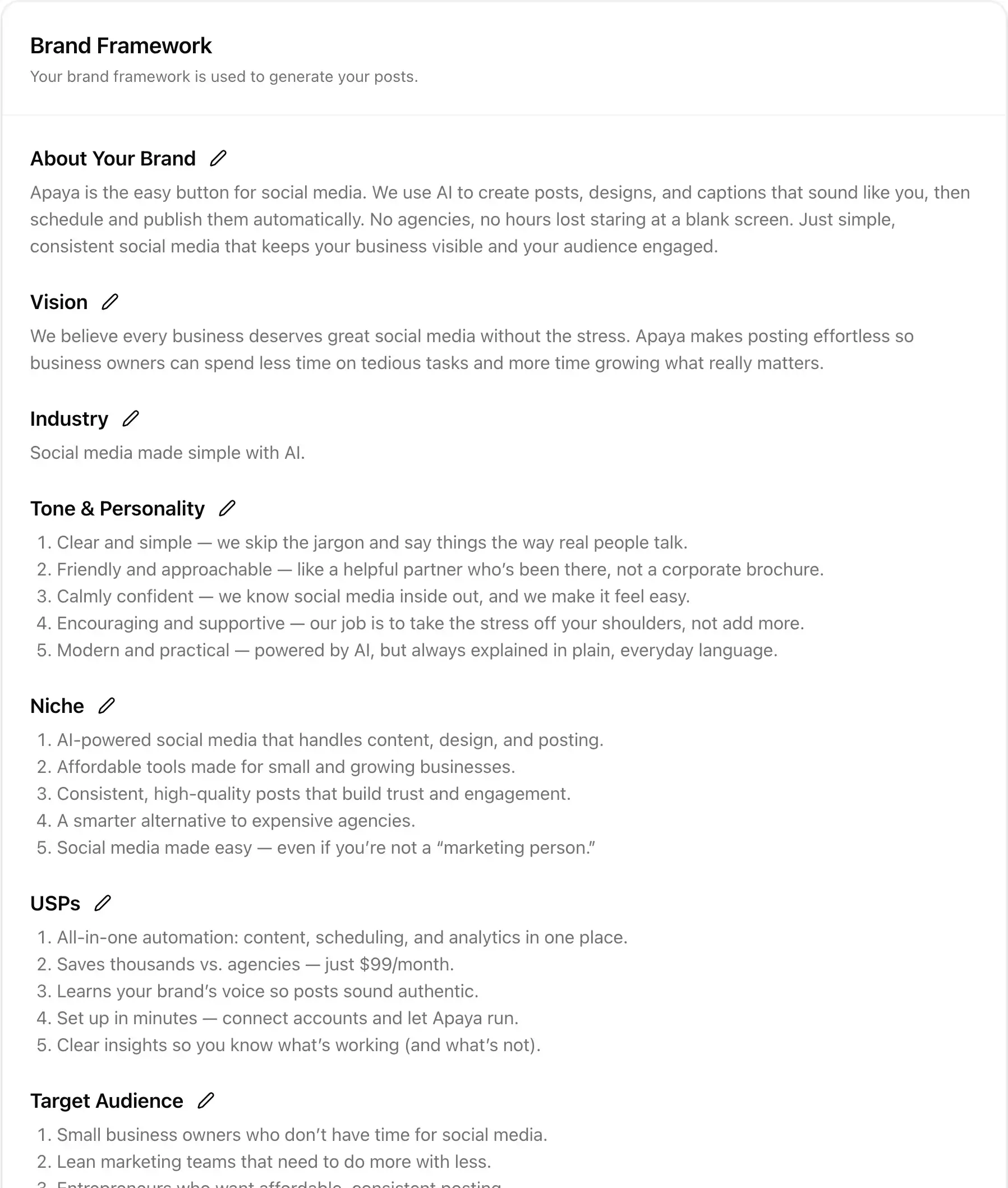
AI writes the caption and creates the graphic.
- Draft social media captions from your Brand Framework
- Create branded graphics or use your existing photos
- Edit the wording and media before scheduling
Your services, products, offers, and photos give Apaya something specific to work with. It writes the social media caption and designs the graphic using your brand, so you can skip the blank page. Edit any details before publishing. Explore AI social media content creation.
Text and media
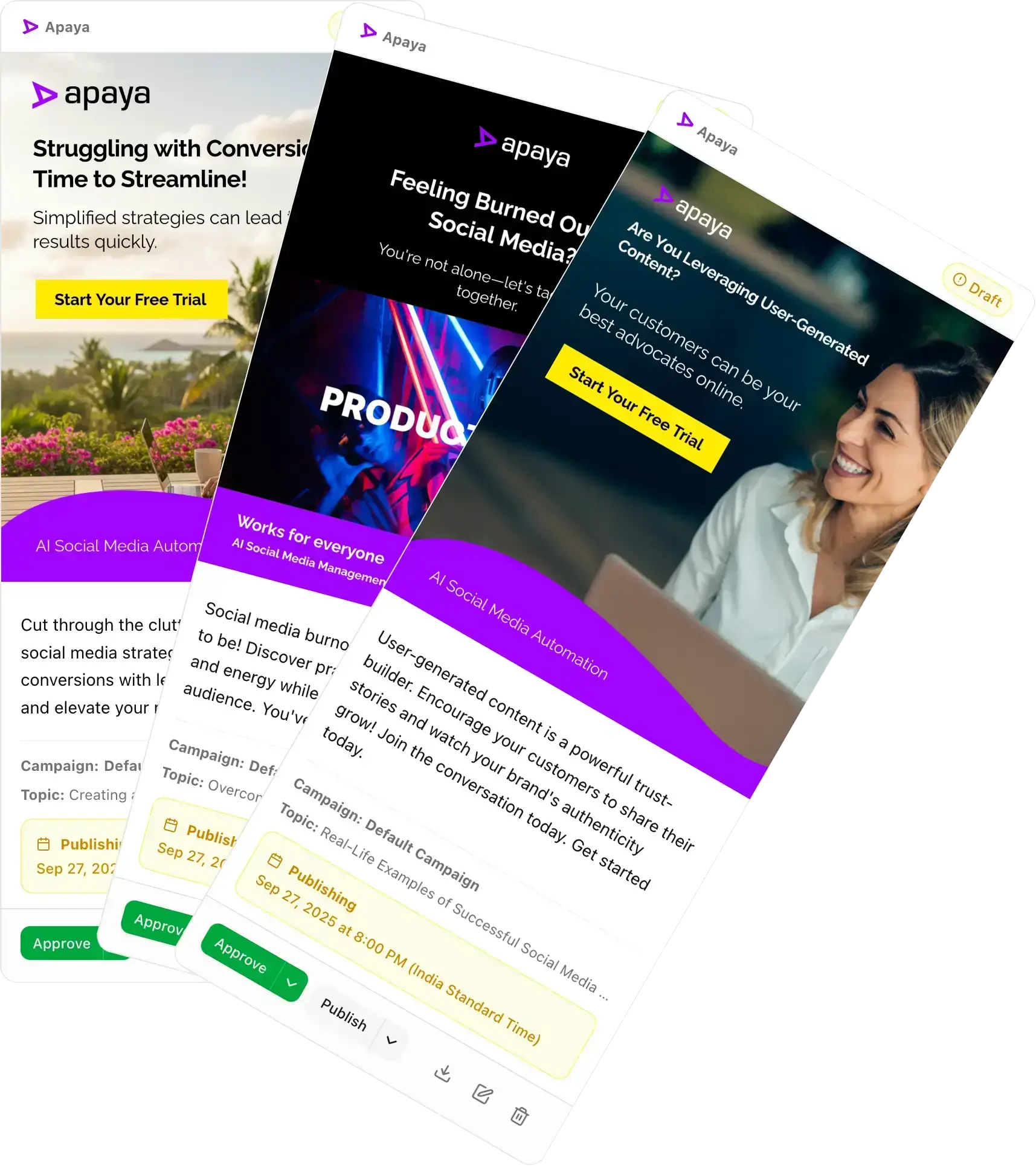
Publish text, images, video, and threads to Bluesky.
- Publish text-only posts with links and hashtags
- Attach images or a video
- Let longer captions continue as a connected thread
A quick update can be text-only. A project or product post can include media. When a caption is longer than a single Bluesky post allows, Apaya splits it into connected replies and numbers the parts. Single posts stay unnumbered.
Scheduling
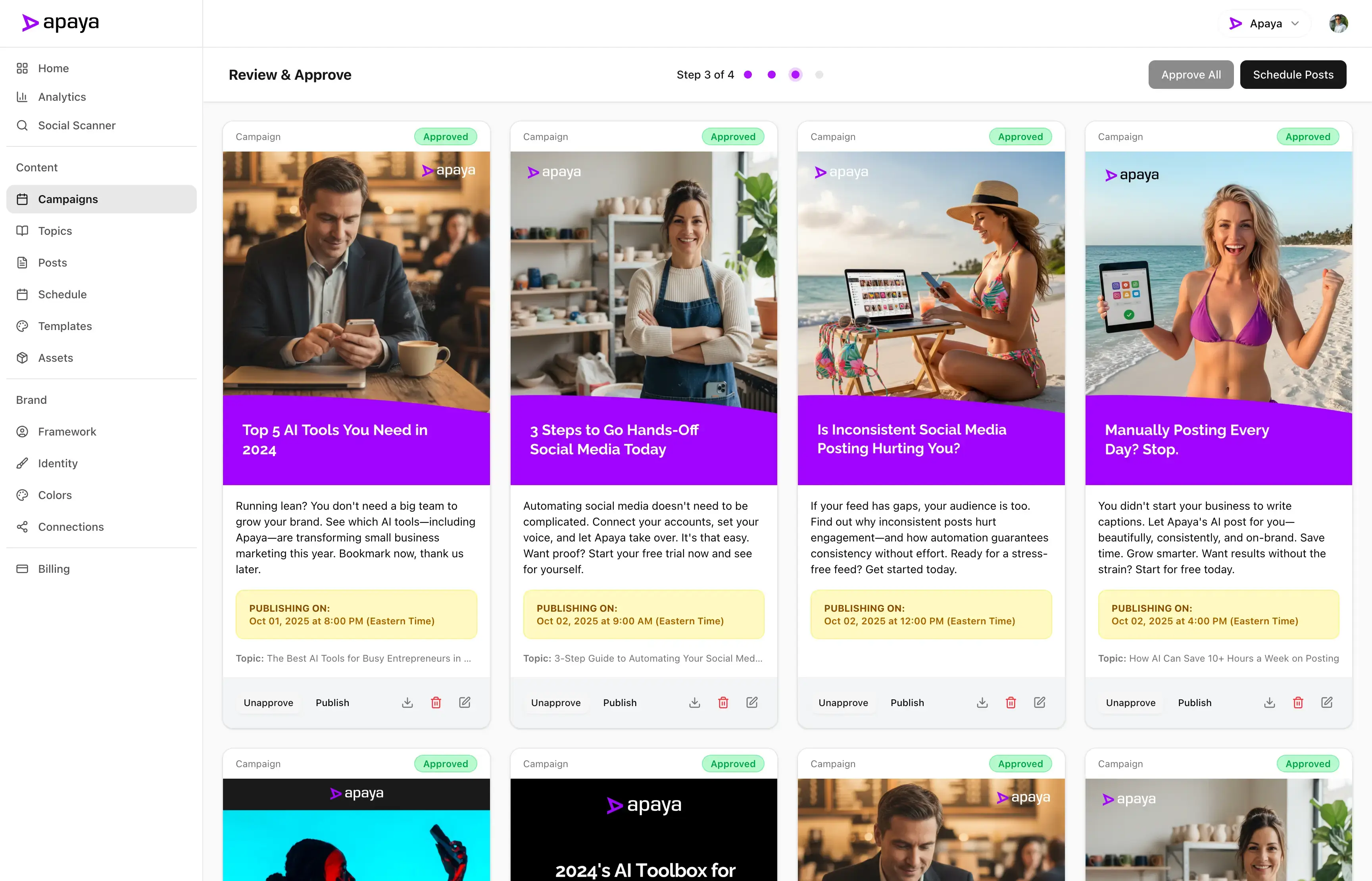
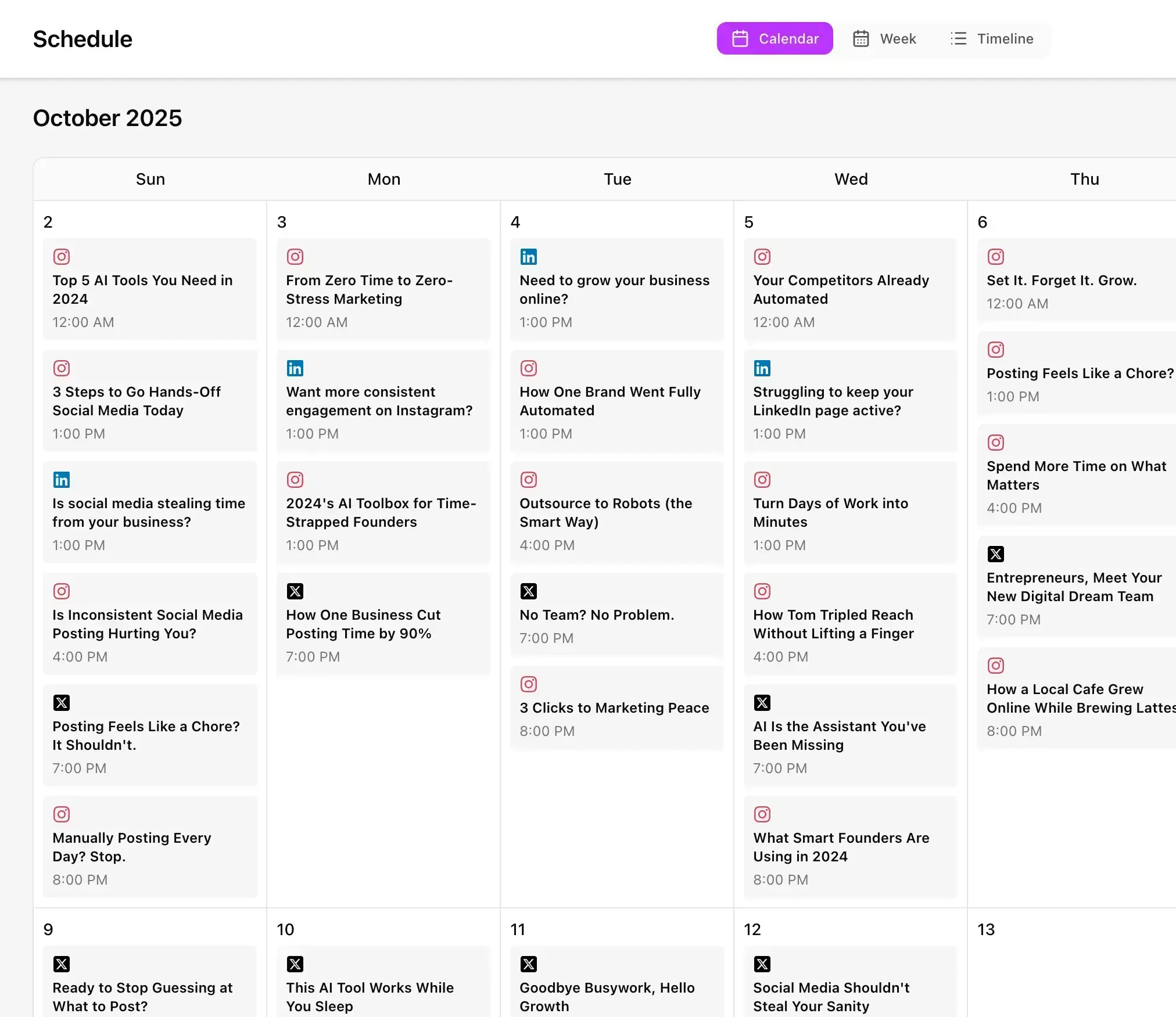
Schedule Bluesky posts in advance on one shared calendar.
- Publish now or choose a future date and time
- Plan Bluesky alongside your other social media posts
- Review upcoming content in one calendar
Line up your business updates when you have time, then let the Bluesky scheduler publish them on schedule. Use the same social media calendar for Bluesky and your other connected platforms.
Analytics
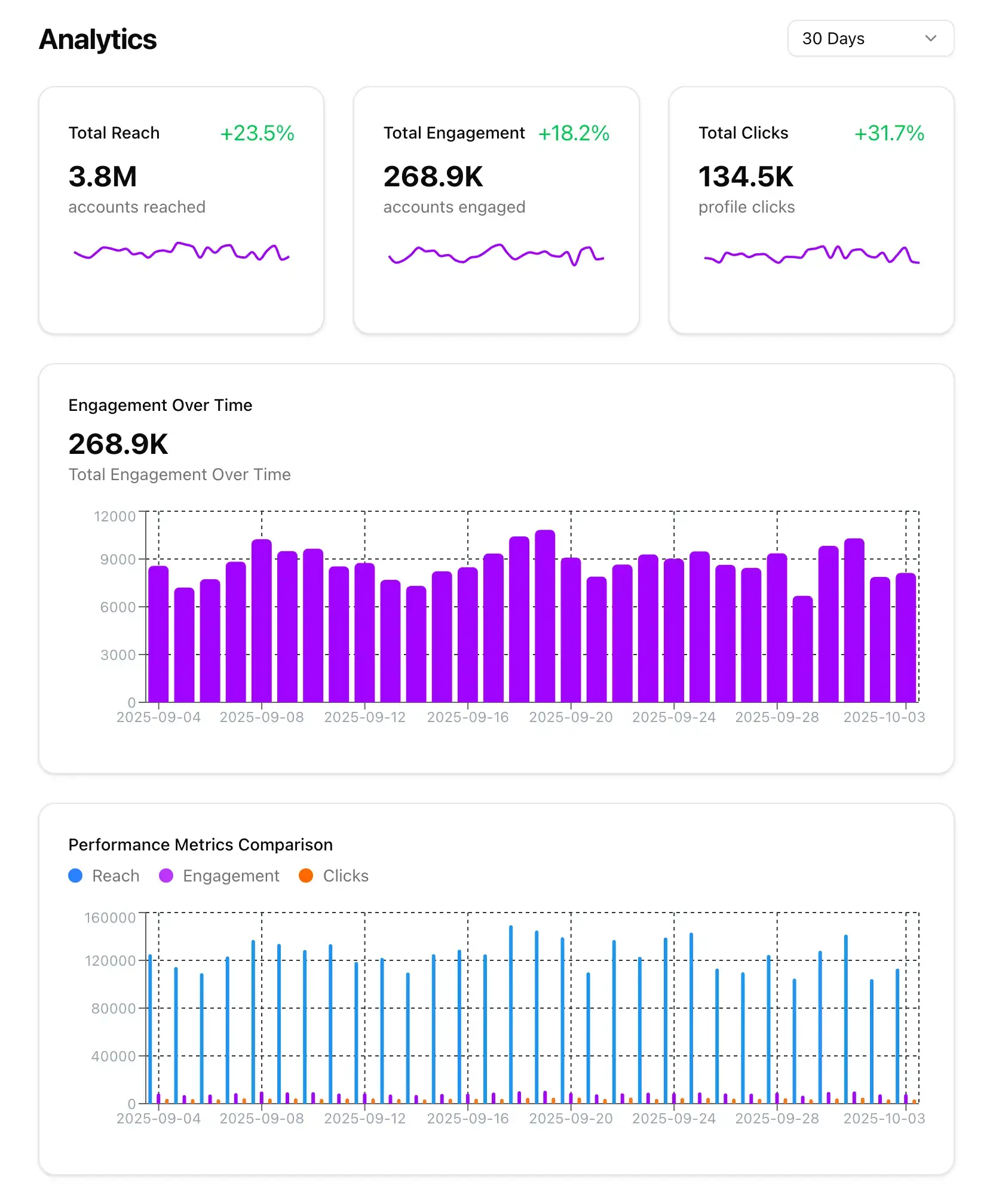
See what published and how it performed.
- Check available likes, replies, and reposts
- Track the connected profile's follower count
- Review connected-post interactions in Apaya
Bring Bluesky reporting into the same social media analytics you use for your other accounts. See which posts received likes, replies, and reposts, and check your follower count without building a separate report.
Keep Bluesky active without a daily posting chore.
Make Bluesky part of the social media work Apaya handles for you. Plan your updates in batches and maintain an active business profile without another daily posting routine.
Content that starts with your business information.
Your services, product details, recent work, and current offers give the content a purpose. Apaya uses your Brand Framework to guide the social media posts it creates.
Longer captions publish as connected Bluesky threads.
You do not have to manually cut a long caption into separate posts. Apaya publishes the parts as a connected thread so readers can follow the complete update.
Built for businesses that want to schedule Bluesky posts without another daily task.
Share the work you are doing, the services you offer, and the updates your customers should know about.
Apaya creates and schedules your social media content, so your profile stays current while you get on with running your business.
Get Started TodayTry it for 3 days • $0 today • Cancel anytime
Get started with Apaya.
Plans from $55/month. Start with a 3-day free trial — cancel anytime.
- AI content generation in your brand voice
- Automated scheduling and publishing
- Brand framework + social analytics
- Choose review or automatic publishing for each campaign
Self-serve plans
From $55/mo
Billed annually. Monthly billing available.
Start Your Free TrialTry it for 3 days • $0 today • Cancel anytime
See all plans and compare →Frequently Asked Questions
Can Apaya schedule Bluesky posts?
How do I connect my Bluesky account?
What can I publish to Bluesky?
What happens when a caption is too long?
Does Apaya show Bluesky analytics?
Can I manage a client's Bluesky account?
Does disconnecting Bluesky delete my published posts?
Schedule your Bluesky posts with Apaya.
Connect your account and create your next batch of social media posts in Apaya.
Start Your Free TrialTry it for 3 days • $0 today • Cancel anytime