Scale your social media agency without scaling your team.
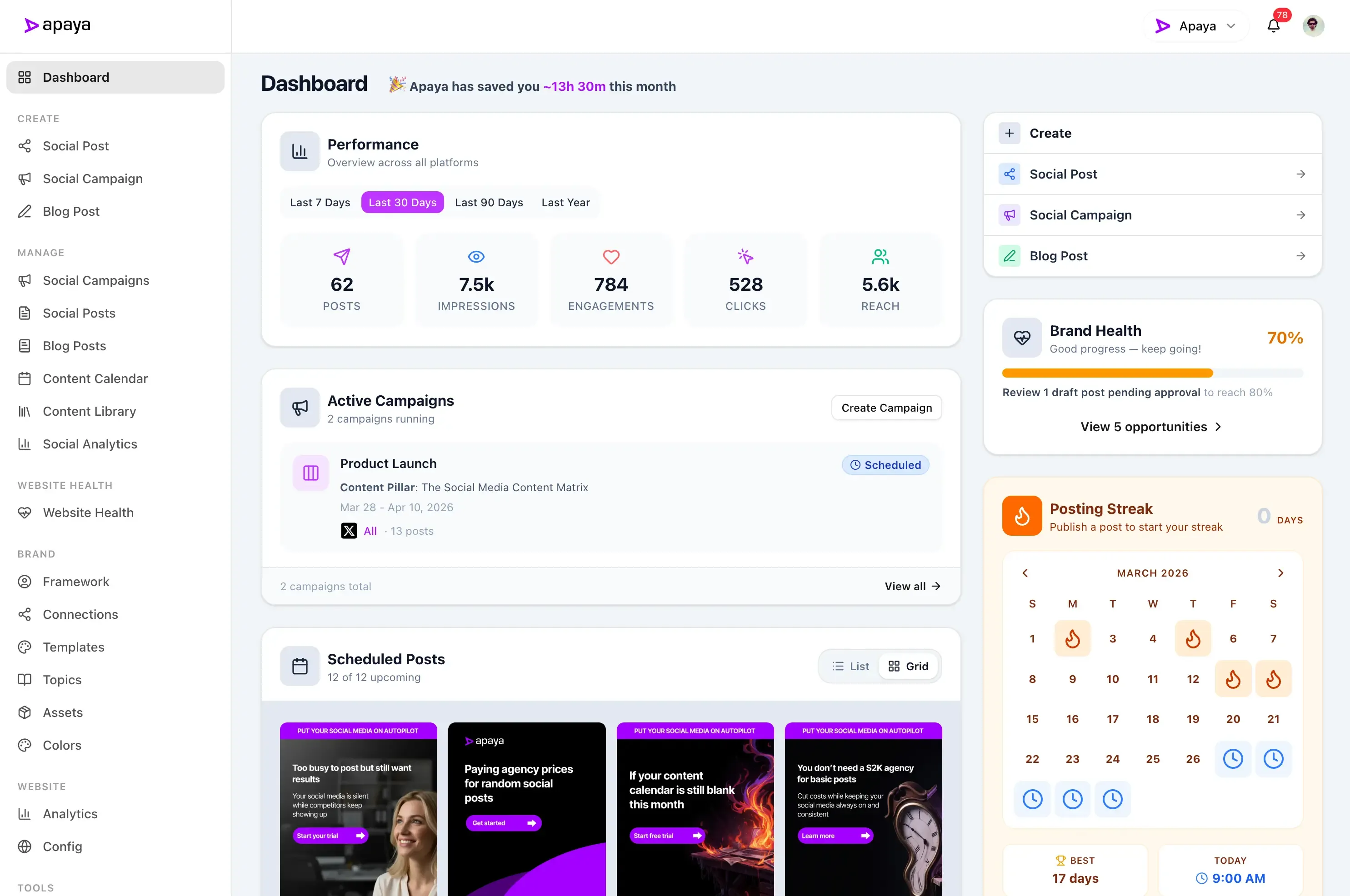
The all-in-one social media platform built for agencies. Apaya crawls each client's website, learns their services, tone, and audience, then generates weeks of posts, reels, and carousels in minutes, ready for your team to approve, fully white-labeled under your agency's brand.
Generate up to a week of scheduled content for each client from a single brief.
How agencies onboard clients
From onboarding a new client to a week of content in 3 steps.
No brand questionnaires, no kickoff decks, no waiting two weeks for the first batch.
1
Enter the client's website URL. Apaya crawls the client's website and extracts their services, products, customer reviews, and brand voice. The profile builds itself in minutes.
2
Generate the brief. Type a campaign idea, drop a blog link, or let the AI suggest a theme from the client's profile. Apaya turns it into up to a week of scheduled posts, ready for review.
3
Choose the approval workflow. Review the captions, carousels, and videos in one grid, then send them to your client for sign-off. Require review for those campaigns, or choose automatic publishing for selected campaigns.
Your Brand Profile
Extracted from your website.
A
About Your Brand
Vision
Industry
Tone & Personality
Target Audience
Selling Points
+ Niche, Pain Points, CTAs, and more
Content quality
AI content in each client's voice, built from their website.
Most AI tools guess. Apaya extracts facts from your client's website and reviews to build their brand profile, then checks its own output before your team ever sees it.
Tone matched to how your client speaks. No "delve," no corporate fluff
Checked against who the client sells to, from enterprise CTOs to local homeowners
Customer reviews from their website become social-proof posts
Built for B2B, B2C, and local service clients alike.
Because Apaya learns each client from their live website, the same platform adapts to a dental clinic, a SaaS company, and a boutique brand, each in their own voice, for their own audience.
B2B clients: blog posts and case studies become LinkedIn thought-leadership carousels
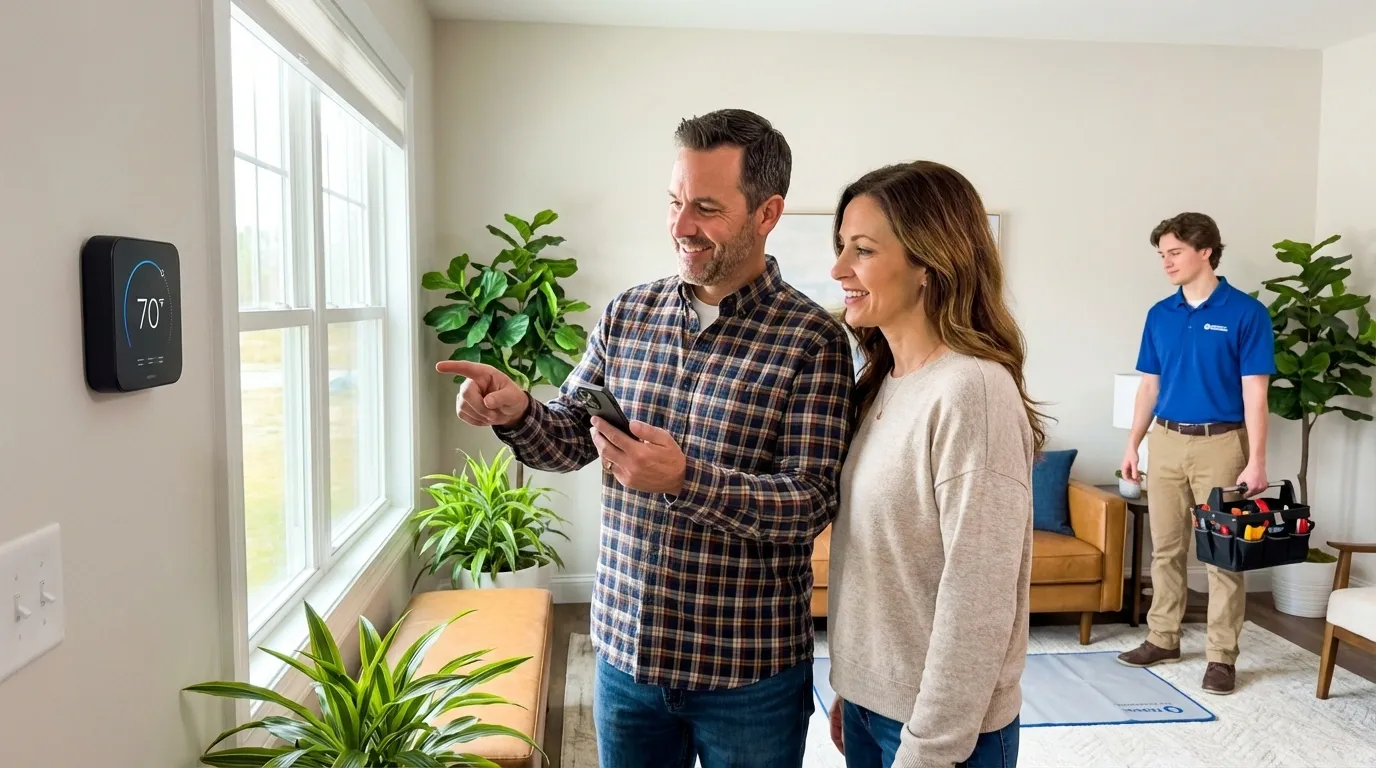
Local businesses: service pages and customer reviews become Google Business Profile and Facebook updates
B2C brands: product images become platform-native Instagram Reels, Stories, and TikTok posts
Bright Smile DentalLocal service
New patient special: fall checkup week, from their services page and reviews.
Google Business ProfileFacebook
Northstack SoftwareB2B
Thought-leadership carousel built from their latest case study.
LinkedIn
Willow & Wren BoutiqueB2C
New arrivals Reel and Stories from this week's product photos.
InstagramTikTok
Switching is simple
Move your agency to Apaya in an afternoon.
There's no migration project because there's nothing to import. Connect the client's accounts, drop their URL, and the first drafts are ready the same day. Self-serve from signup, with a walkthrough available if you want one.
Secure one-click connections for all your clients' social media accounts
Keep your current tool running and compare output side by side during the 3-day free trial
No client disruption: they get one email invite and a white-labeled approval queue
Official platform APIs, isolated workspaces, and a support team that answers.
Official APIs only
Publishing runs through the official Meta, LinkedIn, TikTok, Google, and X APIs. No scraping, no browser extensions, nothing that puts client accounts at risk.
Isolated brand workspaces
Workspace data is separated at the database level, with isolated storage per brand and encrypted token storage. One client's assets and profile never bleed into another's.
Access control and approvals
Role-based access and per-brand team assignments control who works on each account. Choose which campaigns require review and which use automatic publishing.
Support included
Self-serve on purpose, from signup to paying customer. When you want a person, submit a support case and the team replies fast, and a walkthrough is always available.
No, unless you choose to tell them. Every client-facing touchpoint carries your agency's branding: the platform, approval queues, reports, and workspace invitations. There's no Apaya logo in any client view, and we're not going to appear on your invoices to them. How you present your content operation to your clients is entirely your choice.
Will each client's content sound like them, not like every other client?
Yes. When you onboard a client, Apaya crawls their website and builds a brand profile: their voice, their audience, their industry terminology, their visual identity. Every post is generated from that client-specific profile. A law firm's posts won't sound anything like a restaurant's posts, even though the same AI created both.
Can my clients review and approve content before it goes live?
Yes, and it's one email. Invite the client as an Approver, they sign in and see their upcoming posts with images, captions, and scheduled times, and they approve, request changes with comments, or reject. Your team can also set campaigns to auto-publish for hands-off clients who trust your judgment.
How does pricing work for agencies managing 20+ clients?
Pricing is per brand, not per user. Every additional client brand is a flat monthly rate on top of your plan, so cost scales with your roster instead of your headcount. Your creative directors, strategists, account leads, and coordinators all work in the same platform without inflating your bill. Current per-brand rates are on the pricing page.
How long does it take to onboard a new client?
Under 10 minutes. Create a brand, paste the client's website URL (AI analyzes it in about 2 minutes), connect their social accounts via OAuth, and generate the first campaign. The AI produces up to a week of scheduled posts, two per day, with images ready in about 2 minutes. Your first content calendar is ready before the onboarding call ends.
What does Apaya NOT do?
Apaya handles content production: writing, designing, scheduling, publishing, reporting. It does not handle community management (replying to comments, DMs, mentions), client calls, creative strategy, or crisis response. Those are the services your clients pay premium rates for, and they stay with your team. Apaya exists to free up the hours your team spends on production so they can do the human work better.
What happens if the AI generates something a client would hate?
Set the campaign to require review. Your team can edit or regenerate drafts before sending them to a client approver. Automatic publishing is a separate choice for campaigns where you want it, and you can change the settings or pause a campaign.
Is there a limit on how many team members or client reviewers I can invite?
You pay per brand, not per seat. Bring in the account managers, copywriters, and client reviewers each brand needs without changing your bill, and control what each person sees with role-based access.
What white label social media management includes at Apaya (the live feature list), what it costs, the reseller margin math, and how AI production changes the model for agencies. Updated July 2026.
AI social media automation for agencies: how the production layer changes agency economics, what your senior team gets to do instead, and the pricing strategy that makes it work. Complete 2026 guide for agency owners and ops leads.
Why email and Slack approvals break at scale, what a proper social media approval workflow looks like, and how agencies handle different client types — from hands-off to heavily regulated.