Pinterest scheduler
Pinterest scheduler that designs the Pins, too.
Apaya is a Pinterest scheduler with an AI Pin generator built in. It designs vertical Pins in your brand's colors and fonts, writes the titles and descriptions people search for, and schedules them to the right boards on the dates you choose. Fresh Pins keep going out without you opening a design tool.
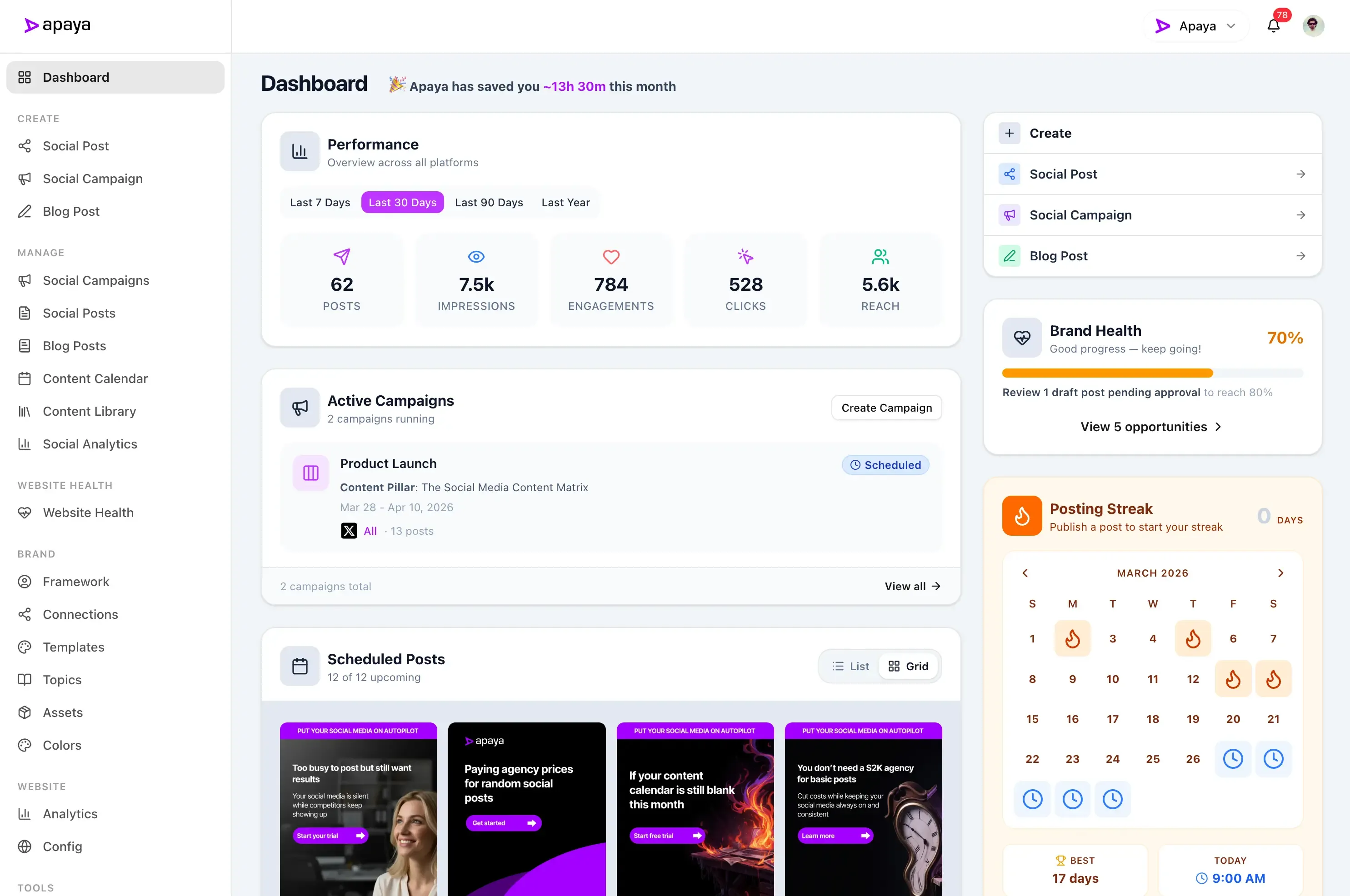

Benefits
Create Pinterest Posts
Use AI to generate posts for your Pinterest profile.
Schedule Pinterest posts
Schedule your posts to publish at the best time for your audience.
Publish to all platforms
Publish to all your social media accounts from one place.
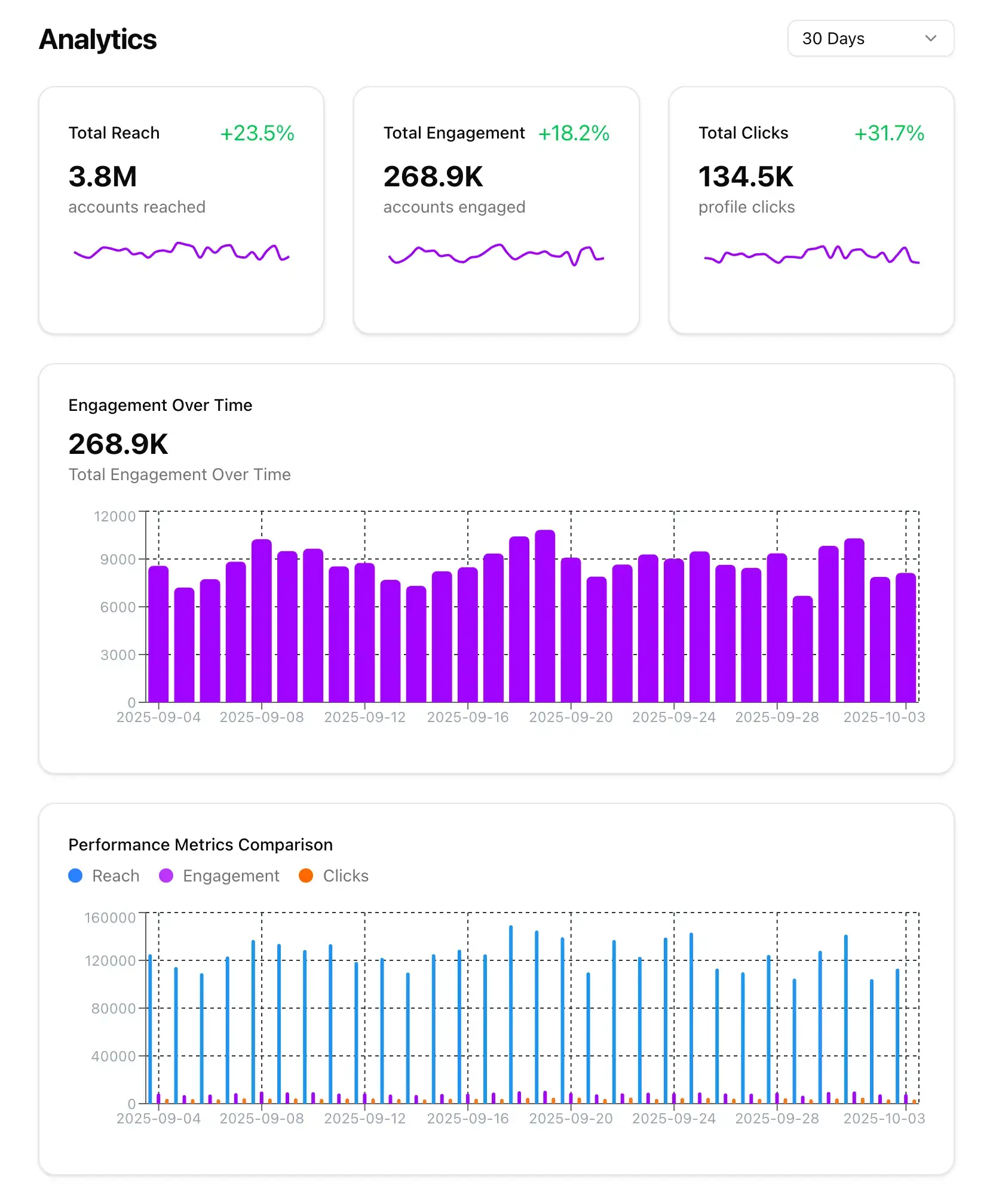
Get insights for growth
Get insights into your Pinterest page and audience.
"Apaya saves us time every day. Being able to generate the social media content we need in minutes is a game changer."
 Abhisek Sharma Owner at SCP Technologies
See what AI-generated Pinterest posts look like.
Representative examples of the kind of content Apaya creates and publishes to Pinterest, tailored to each business.

5 glow-boosting treatments to book before summer

Small kitchen, big ideas: 7 space-saving layouts that make a galley kitchen feel twice as large
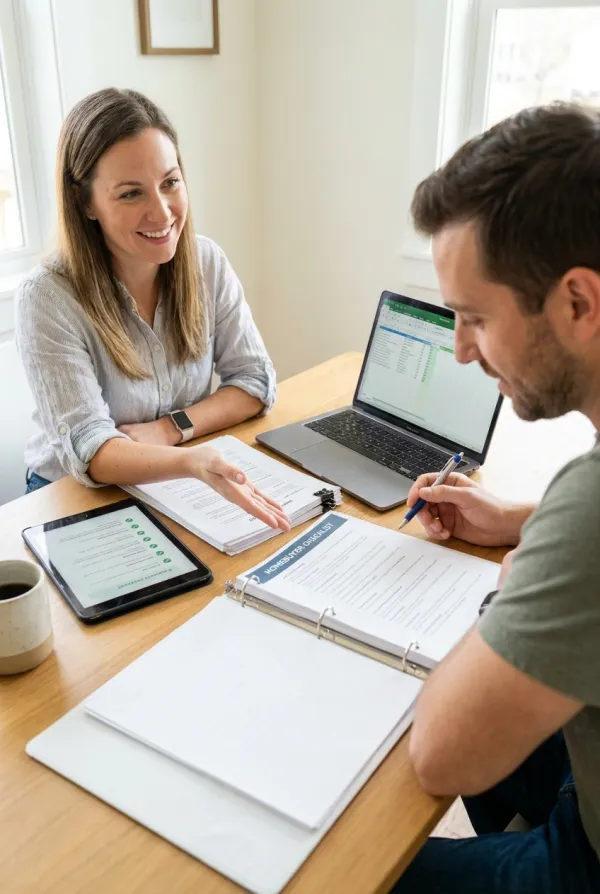
The first-time homebuyer checklist: everything to do in the 90 days before you make an offer, from pre-approval to final walkthrough
Pinterest keeps sending traffic to Pins for months, if you keep making them.
A Pin can be found in search long after you publish it, which is why Pinterest is worth the effort for businesses that sell products, services, or ideas people look for. Designing a vertical Pin, writing a title and description people search for, and choosing the right board is the part that does not get done.
Apaya is a Pinterest scheduler with an AI Pin generator built in. It designs the Pins, writes the copy, and schedules them to your boards.
Everything the Pinterest scheduler handles, from AI Pins to your boards.
Connect your Pinterest account, let Apaya design the Pins and write the descriptions, choose the board and link, and pick when each Pin publishes.
Your account
Connect your Pinterest account to Apaya.
- Connect the Pinterest business account you manage
- Keep each business or client brand on its own account
- Manage Pinterest alongside your other social media accounts
Open Social Connections for your brand, choose Pinterest, and authorize the account. Apaya publishes through Pinterest's official API and never stores your password. Each brand keeps its own account, so agencies connect one per client.
AI Pin generator
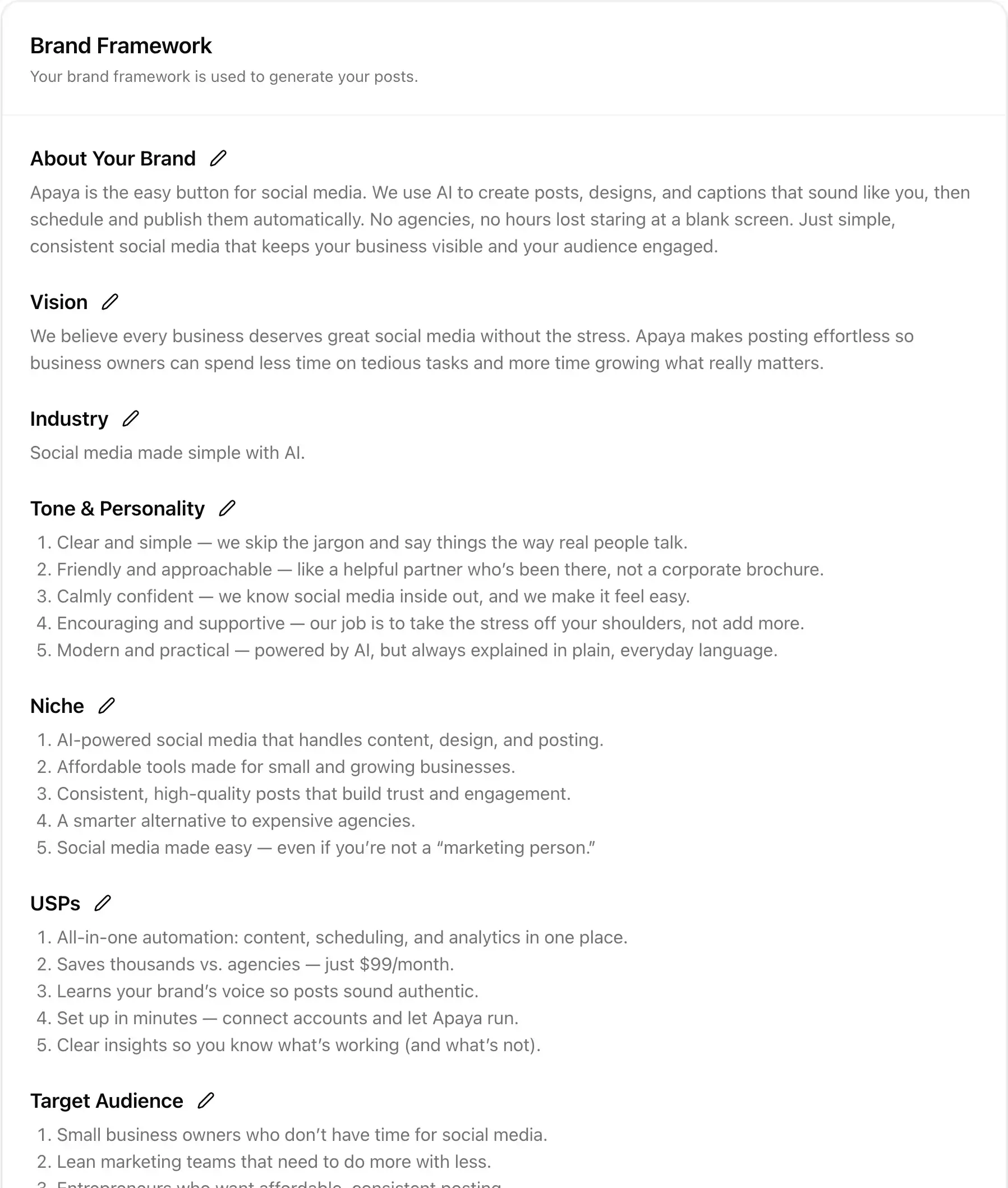
AI designs the Pins and writes the titles and descriptions.
- Vertical Pin graphics in your brand's colors and fonts
- Titles and descriptions written for Pinterest search
- Edit the design and copy before anything is scheduled
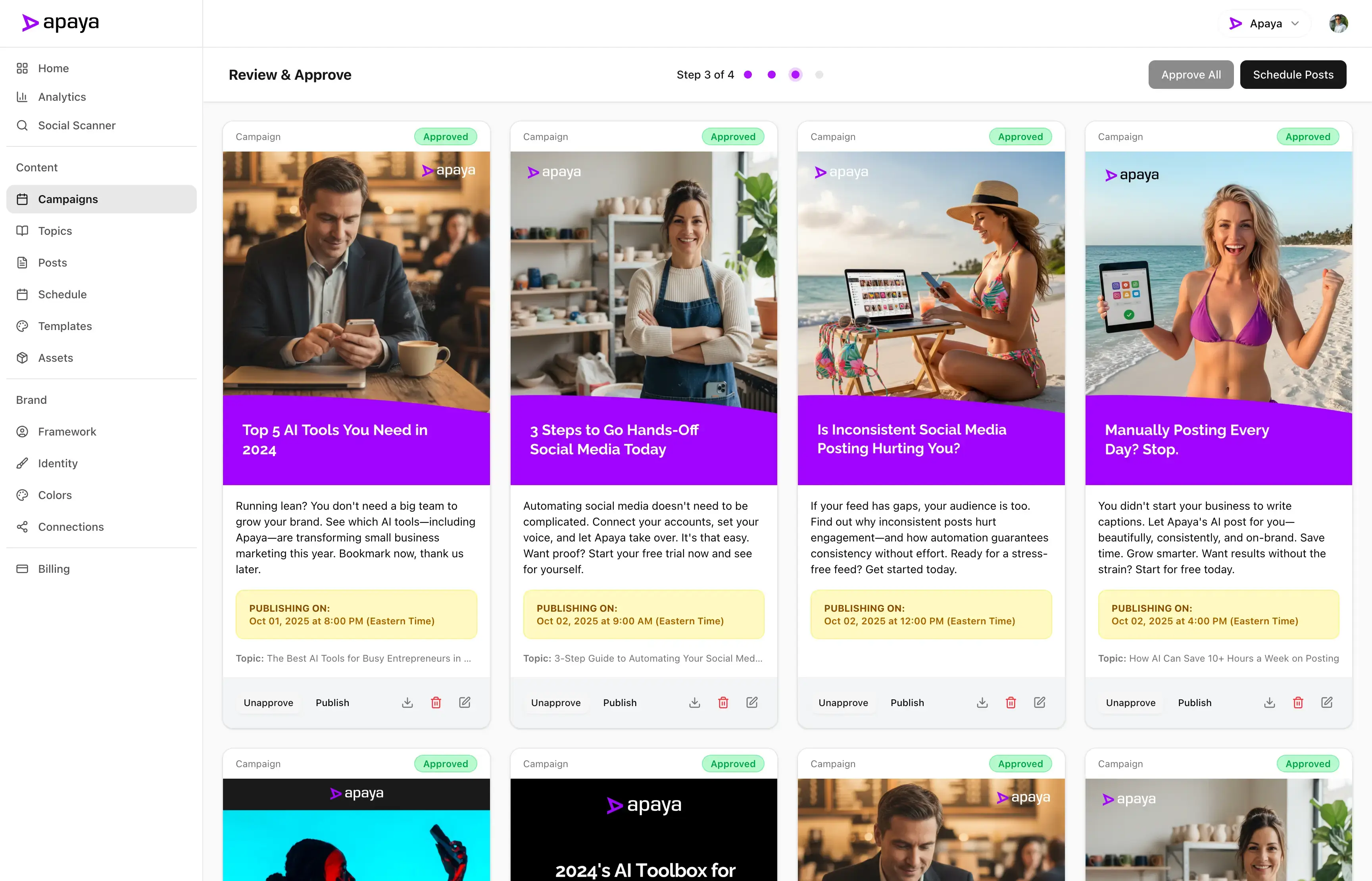
Apaya learns your business from your Brand Framework and turns your products, services, and ideas into Pins. Each one gets a title, a description, and alt text, so people searching Pinterest can find it. You review every Pin and change anything before it goes on the calendar. See the AI social media post generator.
Pin formats
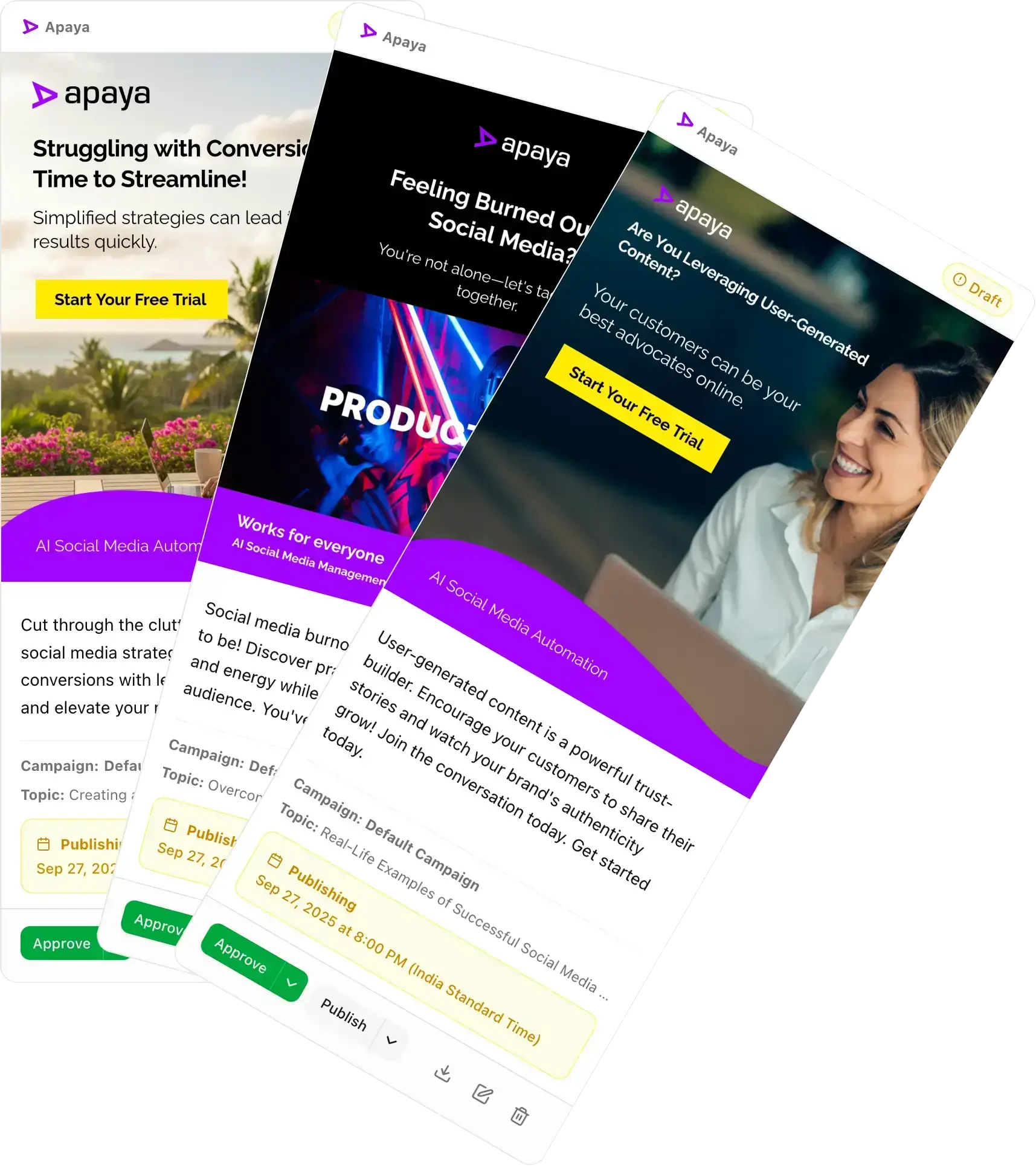
Publish single-image Pins and carousel Pins to Pinterest.
- Standard single-image Pins
- Carousel Pins with two to five images
- Alt text on every Pin
Most ideas fit one strong vertical image. A product line, a before and after, or a step-by-step fits a carousel Pin. Apaya publishes both formats the way Pinterest expects them.
Boards and links
Choose the board and the link for every Pin.
- Pick the board, and the board section if you use them
- Add the destination link that sends people to your website
- Boards load from your Pinterest account when you publish
Every Pin belongs to a board and can carry a link back to your website, product page, or article. Apaya reads your boards and sections from Pinterest when you publish or schedule, so the list is always current.
Scheduling
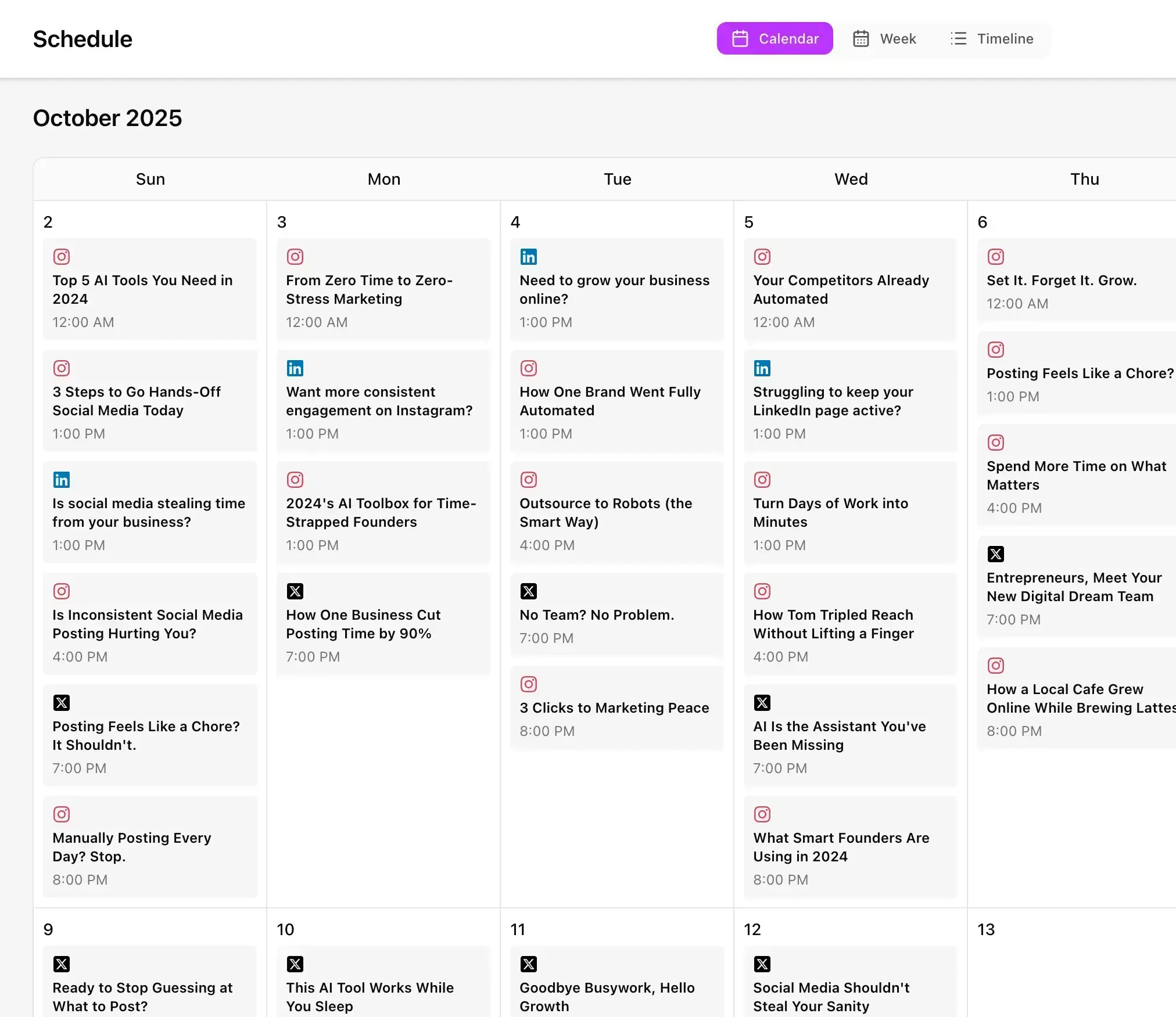
Schedule Pins a week at a time on one calendar.
- Publish now or choose a future date and time
- Generate a week of Pins and approve them together
- See Pinterest next to your other accounts on one calendar
Prepare your Pins when you have time and pick the publishing schedule that fits your business. Apaya publishes each approved Pin to its board at the scheduled time. Use the same social media scheduling tool for Pinterest and the rest of your accounts.
Fresh Pins keep going out without opening a design tool.
Make Pinterest part of the social media work Apaya handles for you. Plan a week of Pins at a time and keep new ones publishing to your boards without designing each one by hand.
Pins built from your business, on your Brand Framework.
Your products, services, and ideas give the Pins a purpose. Apaya designs the graphic and writes the title and description from that information.
Review and approve before anything publishes.
Every Pin lands in your review queue first. Edit the design, the copy, the board, the link, or the time, or reject it. Nothing reaches Pinterest until you approve it.
One Pinterest scheduler for every client account.
Agencies connect an account inside each client brand and manage its Pins, boards, approvals, and schedule there. Explore Apaya for agencies.
Built for businesses that want to schedule Pins without a designer.
Products, services, printables, recipes, home projects, and how-to ideas all do well on Pinterest when the Pins keep coming.
Apaya designs and schedules the Pins, so your boards stay active while you run the business.
Get Started TodayTry it for 3 days • $0 today • Cancel anytime
Get started with Apaya.
Plans from $55/month. Start with a 3-day free trial — cancel anytime.
- AI content generation in your brand voice
- Automated scheduling and publishing
- Brand framework + social analytics
- Choose review or automatic publishing for each campaign
Self-serve plans
From $55/mo
Billed annually. Monthly billing available.
Start Your Free TrialTry it for 3 days • $0 today • Cancel anytime
See all plans and compare →Frequently Asked Questions
Can I schedule Pins with Apaya?
Can Apaya design Pinterest Pins for me?
What Pin formats does Apaya publish?
Can I choose which board a Pin goes to?
Can each Pin link to my website?
Can I review Pins before they go live?
How many Pins can I create at once?
Can agencies manage several Pinterest accounts?
Schedule your Pins with Apaya.
Connect your Pinterest account and create your first week of Pins.
Start Your Free TrialTry it for 3 days • $0 today • Cancel anytime