Social media collaboration
Your whole team, working together in one place.
Invite your team, give everyone the right role, and route every post through an approval workflow before it goes live. Apaya is built for social media teams and agencies, not shared logins.
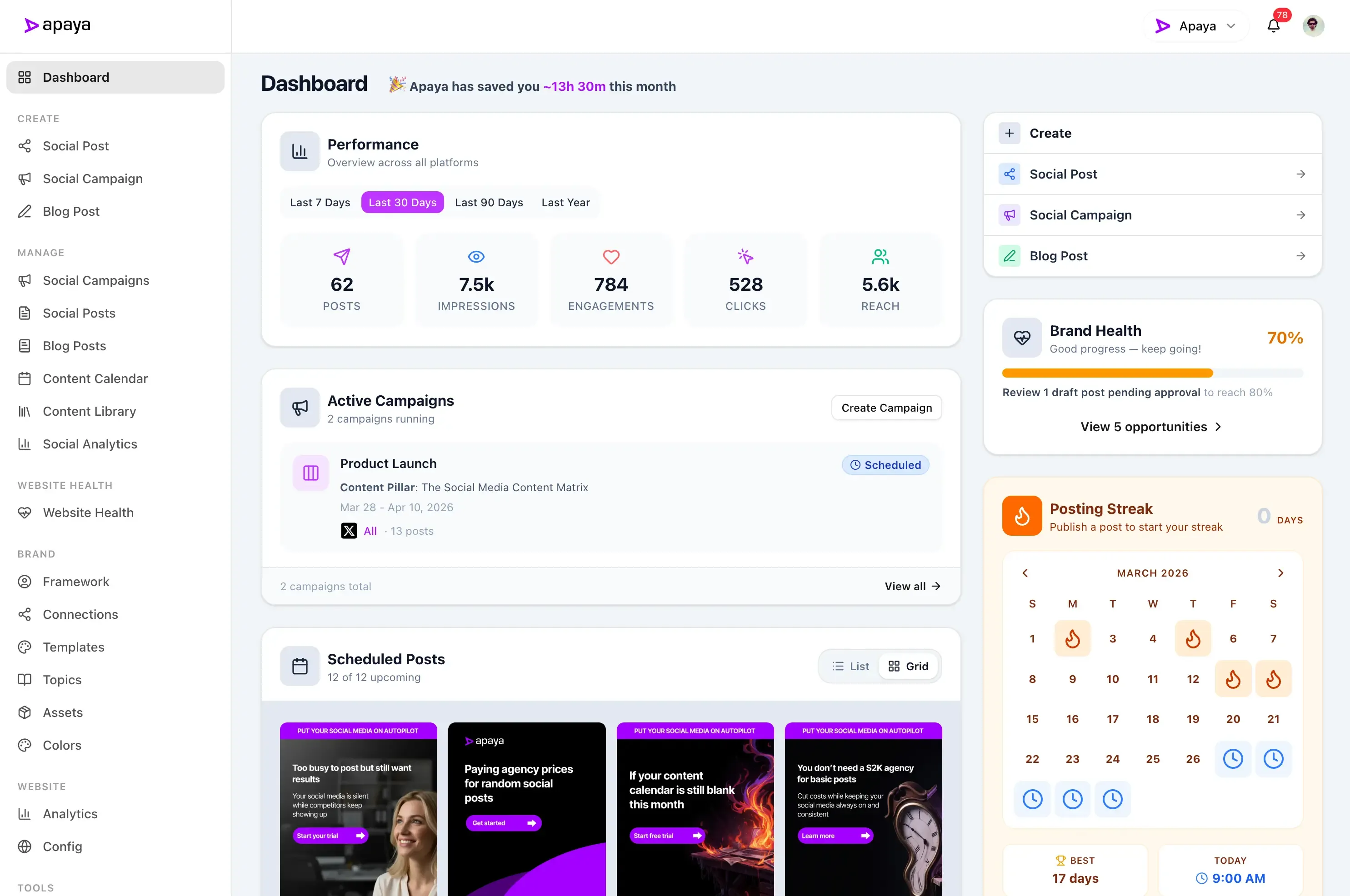
Social media is a team sport. Most tools hand out one login.
When everyone shares a password, anyone can post anything. There's no way to see who did what, no way to keep a junior hand off the publish button, and no review before something goes out with a typo, or worse. A team needs roles and a sign-off.
Set up your team in three steps.
Invite your team.
Add teammates by email. No shared passwords, no handing over the keys to everything.
Give everyone a role.
Pick a role for each person, and which brands they can touch. They see exactly what they should and nothing they shouldn't.
Approve before it publishes.
Route posts through a review step so the right person signs off before anything goes live.
Your team
Invite your team, give everyone a role.
Add teammates by email and assign a role that fits how they work: Owner, Brand Manager, Creator, Approver, or Viewer. Everyone gets exactly the access they need, and no more.
- Invite by email, no shared logins
- Built-in roles for every kind of teammate
- Everyone sees only what they should
Custom roles
Permissions down to the detail.
Need something between the built-in roles? Build your own from 34 individual permissions and switch on exactly what each person can do, from creating and editing to approving, scheduling, and publishing.
- 34 granular permissions to mix and match
- Build roles that match how your team works
- Change who can do what, anytime
Approval workflows
Nothing publishes until it's approved.
Set up an approval workflow with as many steps as you need, each assigned to the right people. Posts move from draft to review to approved, and the publish button stays locked until they're signed off.
- Multi-step approvals, assigned by role
- Approve or request changes, with a comment
- A full history of who signed off, and when
Spring launch announcement
Multiple brands
The right access for every brand.
Running more than one brand or client? Give each person access only to the brands they work on, with a different role in each. It's how agencies and multi-brand teams keep everything separate and under control.
- Per-brand access, brand by brand
- A different role in each brand
- Built for agencies and busy teams
Run social media like a team, not a free-for-all.
Roles, permissions, and approvals that keep everyone moving fast without anything slipping out unchecked.
Results from businesses like yours.
Your social media could look like this too.
"We went from posting once a week — when we remembered — to daily thought leadership on LinkedIn and Instagram."
 Abhisek Sharma Owner at SCP Technologies
"I used to spend my Sunday nights writing posts for the week. Now Apaya handles our customer stories and promotions automatically."
 Sarah Chen Owner at BerksConnect
"Now the AI drafts everything and my team just refines."
 Mike Patel Director at Resultris Agency
"The posts are consistent and sound like us."
 Emma Lopez Manager at Toperty
"I'm a one-person marketing team. Before Apaya, I'd go weeks without posting. Now we publish daily across three platforms."
 Jordan Kim Director at Doors4Jobs
Ready to see it work for you?
Start Your 3-Day Free TrialTry it for 3 days • $0 today • Cancel anytime
Get started with Apaya.
Plans from $55/month. Start with a 3-day free trial — cancel anytime.
- AI content generation in your brand voice
- Automated scheduling and publishing
- Brand framework + social analytics
- Choose review or automatic publishing for each campaign
Self-serve plans
From $55/mo
Billed annually. Monthly billing available.
Start Your Free TrialTry it for 3 days • $0 today • Cancel anytime
See all plans and compare →Collaboration FAQs
Common questions about teams, roles, and approvals in Apaya.
How do I add my team?
What roles can I assign?
Can I create custom roles?
How do approval workflows work?
Can different people manage different brands?
How do reviewers know something needs their attention?
Bring your whole team into Apaya.
Invite your team, set their roles, and approve every post before it goes live.
Start Your Free 3-Day TrialTry it for 3 days • $0 today • Cancel anytime